

If you're researching "shopify seo url structure", you've probably realized something frustrating: Shopify doesn't let you fully customize URLs. You can change your handles, but not the required folders like /products/ or /collections/.
As CEO of Topify, I hear this question a lot from merchants and SEO teams. The good news is: Shopify's URL structure is not perfect, but it's not a ranking killer either. You just need to understand the rules and optimize within them.
This guide explains how Shopify URLs work, what limitations matter, and how to build a fully optimized URL structure that Google loves.
1. Shopify's Forced URL Structure (What You Can't Change)
Shopify automatically generates URLs for every resource:
/products/product-handle/collections/collection-handle/collections/collection-handle/products/product-handle/pages/page-handle/blogs/blog-handle/blogs/blog-handle/article-handle
You cannot remove /products/ or /collections/ folders. You also cannot create fully custom folders like /shop/boots/wide/.
This is one of Shopify's biggest technical SEO limitations — but Google understands it.
2. Why Shopify Uses This URL Structure
Shopify uses a fixed folder structure for stability and platform consistency:
- themes depend on predictable URL paths
- structured data & breadcrumbs rely on known folders
- collections and products need clear hierarchy
- Shopify avoids user-created folder conflicts
The downside is reduced flexibility. The upside is a clean, consistent structure that Google has learned to crawl extremely well.
3. How Shopify Handles Canonical URLs (Critical for SEO)
Shopify automatically sets a canonical URL for every product and collection:
/products/product-handleis the canonical/collections/collection/products/productbecomes a non-canonical variant
This is important because Shopify generates two URLs per product, but only one is indexed.
Always check:
- your theme includes
{{ canonical_url }} - apps do not overwrite canonical tags
- collection/product URLs are not indexed by mistake
Canonical tags prevent duplicate content — essential for Shopify SEO.
4. What You Can Optimize: The Handle
Even though folders are locked, Shopify allows you to optimize the URL handle — the part after the folder.
Best practices for handles:
- ✔ use short, descriptive keywords
- ✔ separate words with hyphens
- ✔ avoid numbers or unnecessary words
- ✔ remove stopwords ("and", "the", "at")
Good example: /products/waterproof-hiking-boots
Bad example: /products/sku1234-wpboots-v2
The cleaner the handle, the easier Google understands the page.
5. URL Redirects (Essential When Updating Handles)
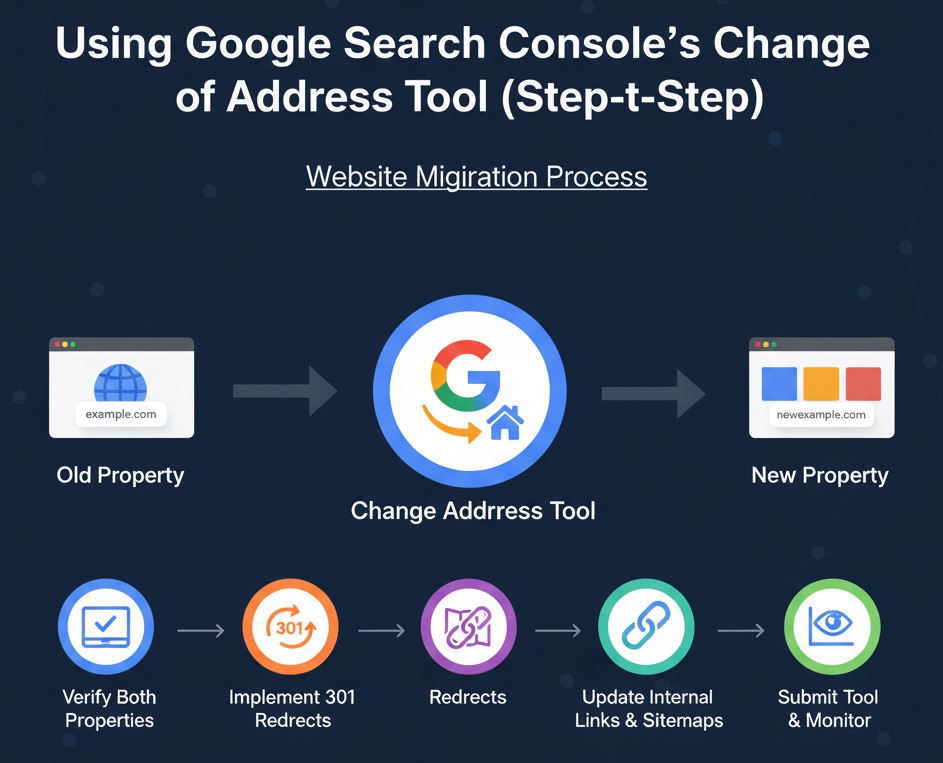
Shopify lets you update a handle — but you must redirect the old URL.
Checklist:
- ✔ change handle in product/collection admin
- ✔ Shopify automatically prompts you to create a redirect
- ✔ keep the redirect until Google fully re-crawls
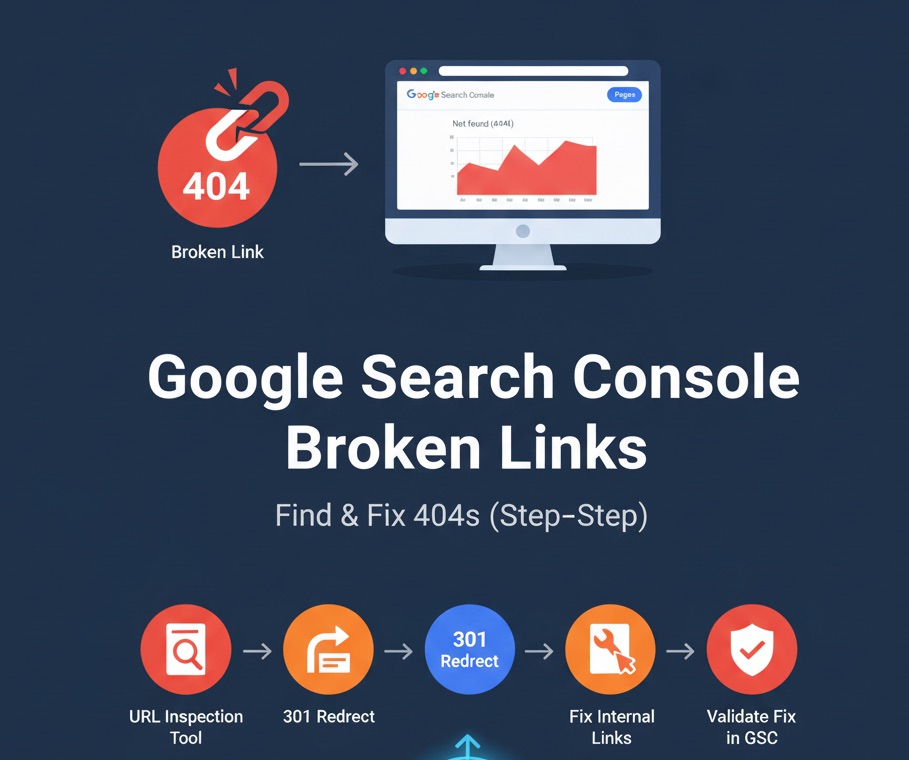
Never delete old URLs without redirecting — it causes 404s, traffic drops, and lost backlinks.
6. Collection & Product URL Variants (Shopify's "Duplicate" URLs)
Shopify automatically generates a non-canonical version of product URLs when accessed through a collection:
/collections/winter-boots/products/waterproof-hiking-boots
This is normal and a built-in UX feature for breadcrumb navigation.
SEO impact: None — if canonical tags are correct.
7. Avoiding Index Bloat in Shopify
Some Shopify URLs should not be indexed:
/searchpages- tag pages (if low-value)
- paginated URLs (
?page=2) - filtered URLs (
?sort_by=) - outdated product URLs
Solutions:
- ✔ use correct canonical tags
- ✔ block low-value URLs in
robots.txt.liquid - ✔ remove old products from sitemap (set to draft)
Keeping your index clean helps Google crawl your important pages more efficiently.
8. Breadcrumbs & Internal Linking Improve URL Understanding
Google does not rely only on URLs — it relies heavily on internal linking.
Checklist:
- ✔ enable breadcrumbs in your theme
- ✔ link products → main collections
- ✔ link collections → key sub-collections
- ✔ link blog posts → collections/products
A strong linking structure compensates for Shopify's limited URL flexibility.
9. Shopify URL Structure Pros & Cons
Pros:
- ✔ clean and predictable structure
- ✔ strong canonical system
- ✔ clear separation of product/collection/blog pages
- ✔ stable for themes and apps
Cons:
- ✘ cannot remove folders like
/products/ - ✘ duplicate URL variants (canonical required)
- ✘ no nested folders (e.g.,
/shop/women/boots/) - ✘ SEO-unfriendly pagination URLs
Understanding these limitations is key to working with Shopify, not against it.
10. How Topify Helps You Manage URL-Based SEO Issues
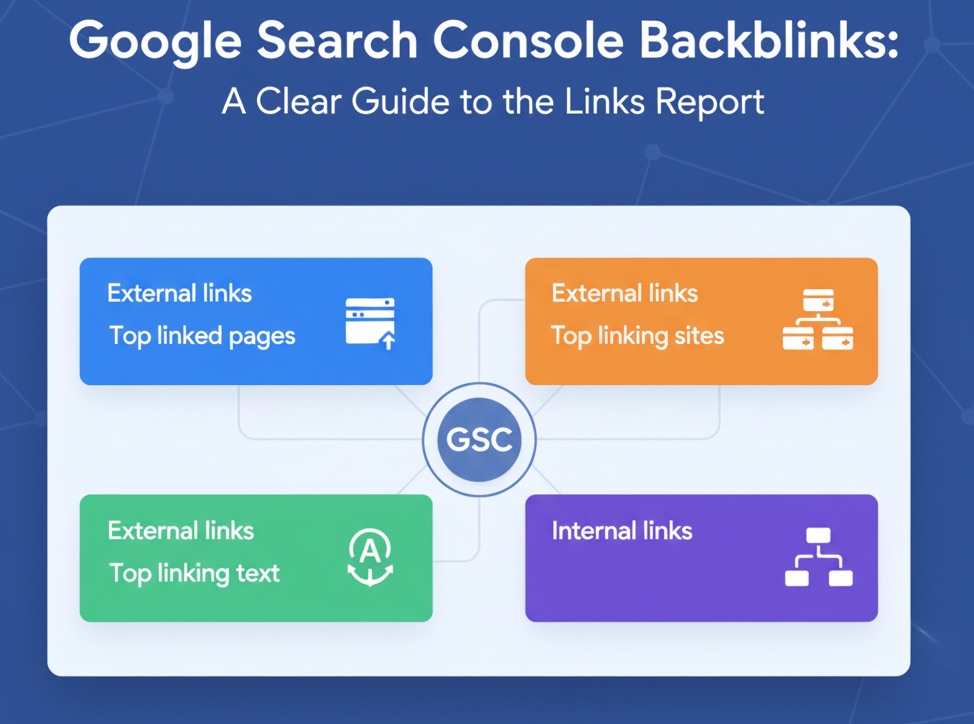
With hundreds of products, URL issues multiply fast. Topify connects to your Google Search Console and Shopify to reveal:
- which URLs Google indexes
- pages stuck in "Crawled — not indexed"
- duplicate URL variants
- low-value indexed URLs you should remove
- redirects that need updating
- SEO revenue per URL
This makes Shopify URL optimization measurable and predictable.
11. Shopify SEO URL Structure Checklist (Copy & Paste)
- ✔ understand fixed folders (/products/, /collections/)
- ✔ optimize URL handles
- ✔ maintain clean redirects
- ✔ verify canonical tags
- ✔ avoid indexing tag/search/paginated URLs
- ✔ minimize duplicate content
- ✔ use breadcrumbs
- ✔ build strong internal linking
- ✔ monitor index health in Topify
Final Thoughts from Udjin
Shopify's URL structure isn't perfect — but it's predictable and Google-friendly when used correctly. You can't fully customize folders, but you can control everything that actually matters for SEO: clean handles, strong canonical tags, consistent redirects, and a healthy internal linking system.
If you build around Shopify's limitations instead of fighting them, your store will index faster, rank higher, and generate far more organic revenue.
And with Topify, you'll see exactly how each URL performs — turning your Shopify SEO URL structure into a revenue engine, not a technical hurdle.