

Google search console Guide

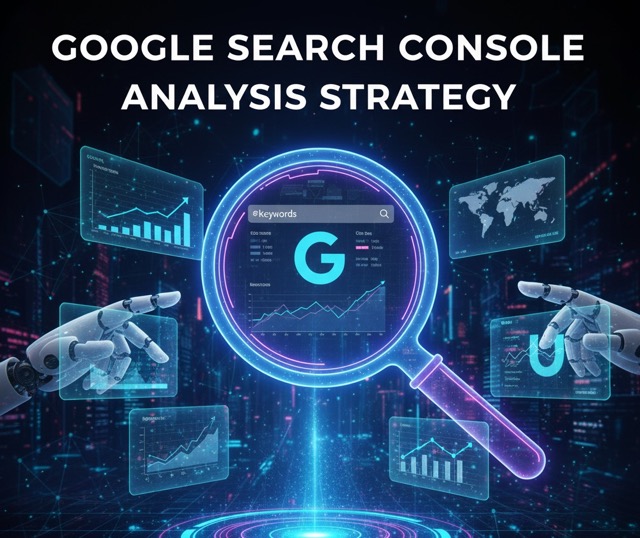
Google Search Console Basics: A Step-by-Step Guide for Beginners

Udjin, CEO

Udjin

CEO

3 min read

If you are wondering how to use Google Search Console, this simple Google Search Console guide is for you. It follows the style of the official Search Console Training series and uses plain language so anyone can master the tool.

1. What Is Google Search Console?

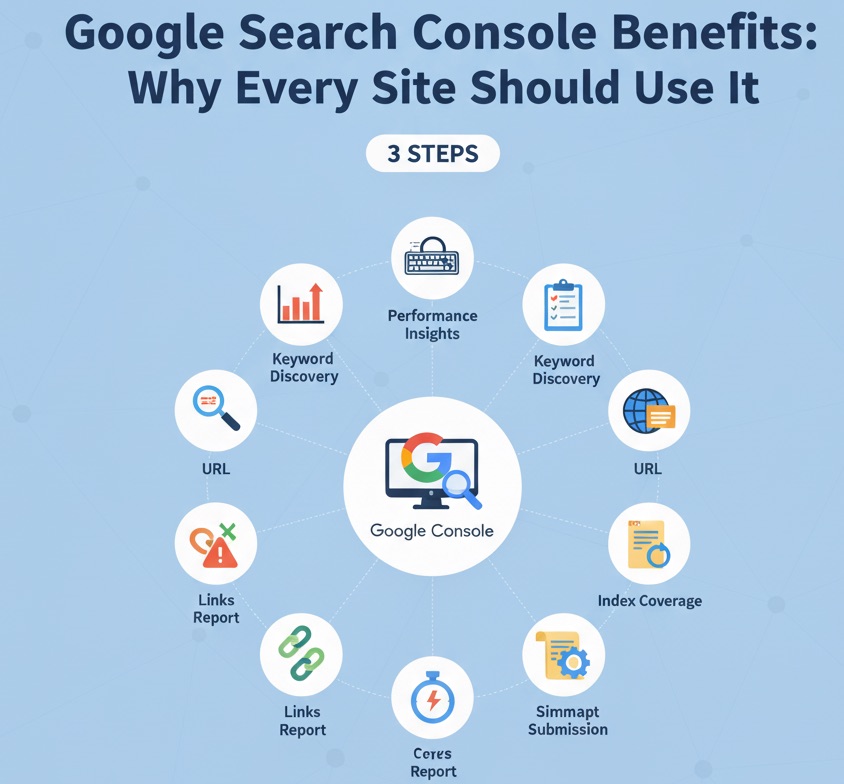
Google Search Console (GSC) is a free dashboard that shows how Google sees your site. With GSC you can:

  • discover which queries drive clicks and impressions;
  • check if pages are indexed or blocked;
  • spot mobile-friendliness and speed issues; and
  • download internal and external link data.

2. Set Up Your Property in Four Steps

  1. Open https://search.google.com/search-console and click "Start now".
  2. Select a Domain property to cover the whole site or a URL prefix for one sub-folder.
  3. Verify ownership. The easiest way is to add a DNS TXT record, but you can also upload an HTML file or use the "Meta tag" option.
  4. Wait 24–48 hours for data to appear.

3. Tour the Dashboard

The left panel is your command center:

  • Performance – clicks, impressions, CTR, average position.
  • URL Inspection – test a page and request indexing.
  • Pages (Coverage) – errors, valid pages, and exclusions.
  • Enhancements – Core Web Vitals, mobile usability, breadcrumbs.
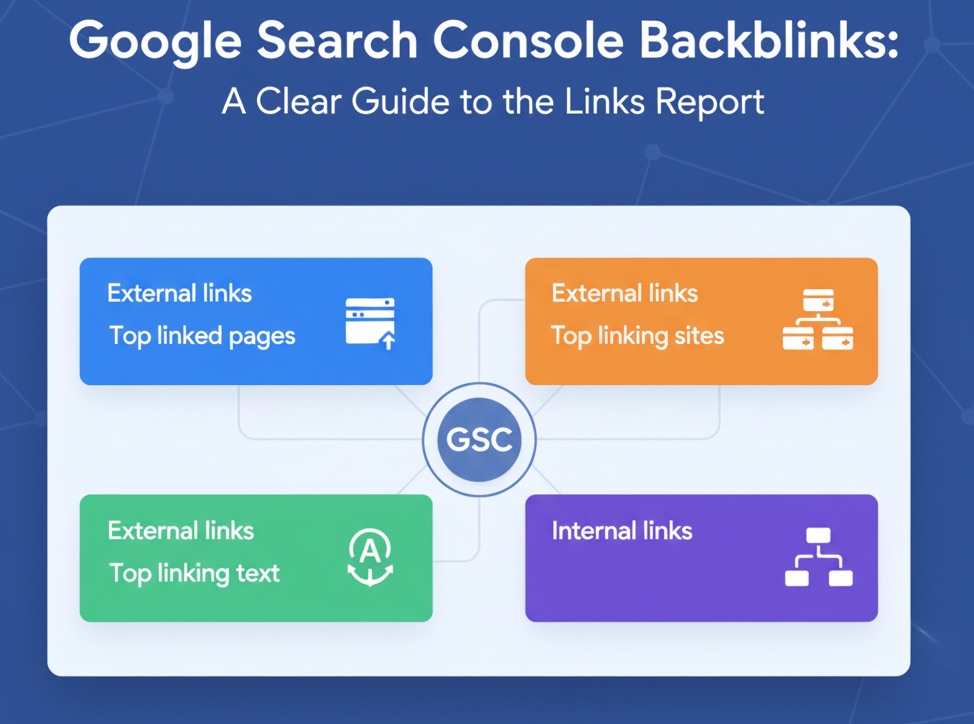
  • Links – top internal and external backlinks.

4. Key Reports and How to Use Them

Performance Report

Filter by date, query, and page to find keywords just off page one (positions 11–20). Update your title tags to bump them into the top ten.

Pages Report

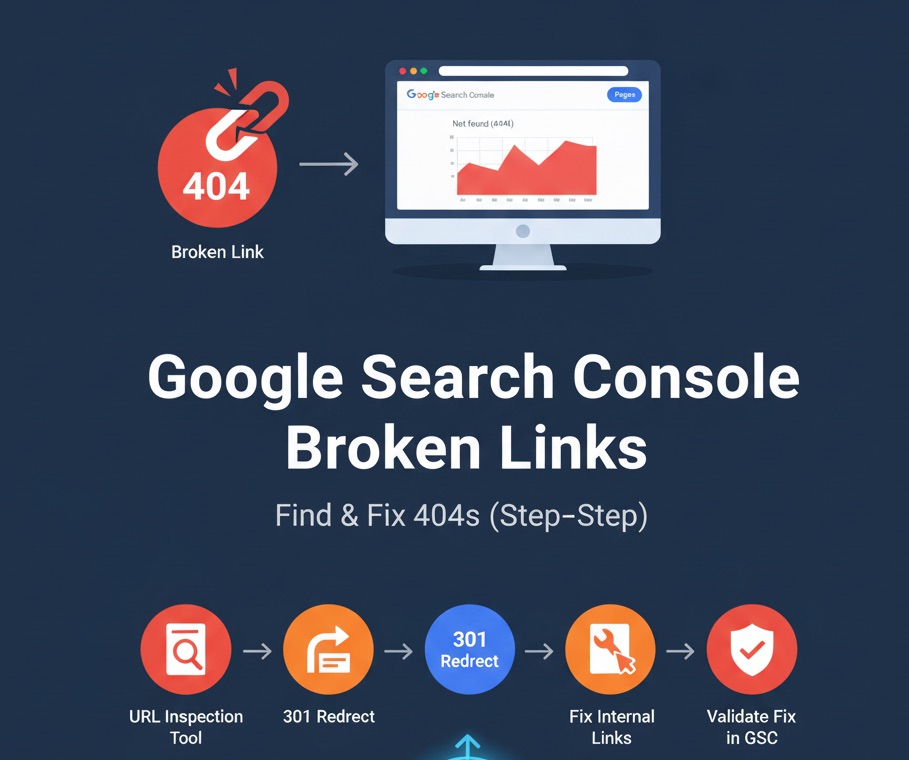
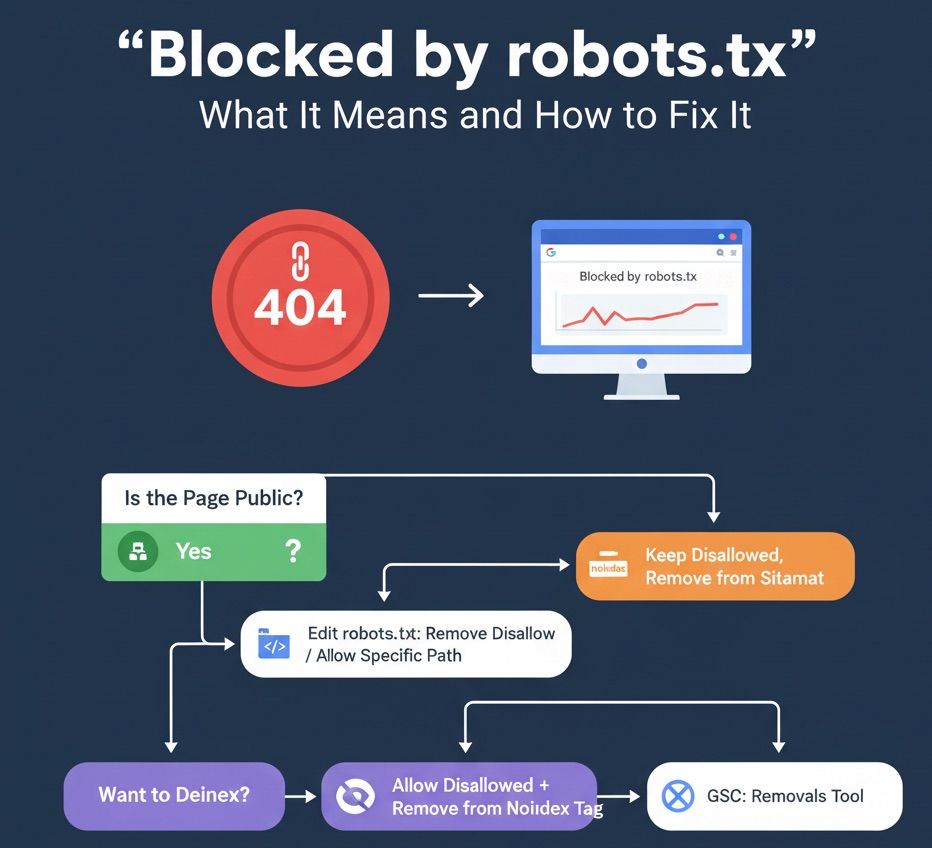
Look for "Not indexed" pages. Common causes are 404 errors or "Blocked by robots.txt". Fix the issue, then click "Validate fix".

Core Web Vitals

URLs marked "Poor" need faster load times. Compress images, defer unused JavaScript, and consider a CDN.

5. Quick Wins You Can Apply Today

  • Submit your sitemap.xml under Sitemaps.
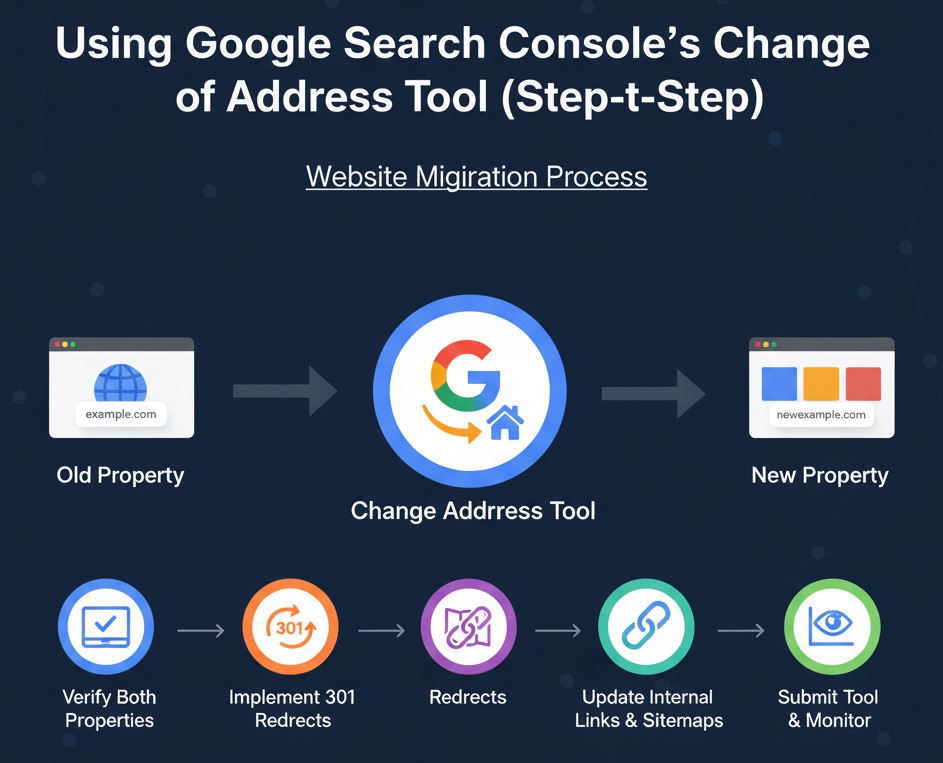
  • Export 404 URLs and set up 301 redirects.
  • Paste a fresh blog URL into URL Inspection and click "Request indexing".
  • Download your backlink list and reach out to high-value referring sites for partnerships.

6. Keep Learning with Search Console Training

Google’s official "Search Console Training" playlist on YouTube dives deeper into each report. Watch a video a week to sharpen your skills.

7. Final Thoughts

You now have the basics of Google Search Console. Check your reports once a week, act on errors, and use the data to refine your content strategy. With steady practice, GSC will become your favorite SEO compass.

Share Article

Related Articles

Featured image for AI Tools for SEO: The Best Paid & Free Options for Shopify Stores in 2024
SEO Shopify Ecommerce SEO AI Tools Content Marketing Keyword Research On-Page SEO Conversion Rate Optimization Topify

AI Tools for SEO: The Best Paid & Free Options for Shopify Stores in 2024

Most Shopify brands know they "should use AI" for SEO—but end up with random tools and messy content. This guide breaks AI tools into seven jobs (research, keywords, images, copywriting, content, design, and on-page SEO) and shows how to use both paid and free options to grow organic traffic and sales for your store.

Featured image for 11 Best SEO Keyword Research Tools in 2025 (For Shopify & Ecommerce Stores)
SEO Shopify Ecommerce SEO Keyword Research Content Marketing PPC Topify

11 Best SEO Keyword Research Tools in 2025 (For Shopify & Ecommerce Stores)

Choosing the right keyword tools can make or break your Shopify SEO in 2025. This guide breaks down 11 of the best options—from heavyweights like Ahrefs and Semrush to lightweight browser extensions like Keywords Everywhere and Keyword Surfer—and explains exactly how to use them to grow organic traffic and sales, not just rankings.

Featured image for How to Become an SEO Expert in 2025 (Roadmap for Shopify & Ecommerce)
SEO Shopify Ecommerce SEO AI SEO Technical SEO Content Marketing SEO Career Topify

How to Become an SEO Expert in 2025 (Roadmap for Shopify & Ecommerce)

Most Shopify marketers don't need another random SEO tip—they need a clear roadmap. This guide breaks down how to become an SEO expert in 2025 step by step: learn the basics, master technical and AI-driven SEO, build a repeatable process, specialize in ecommerce, automate tasks, and use free tools with data from Topify to keep improving.

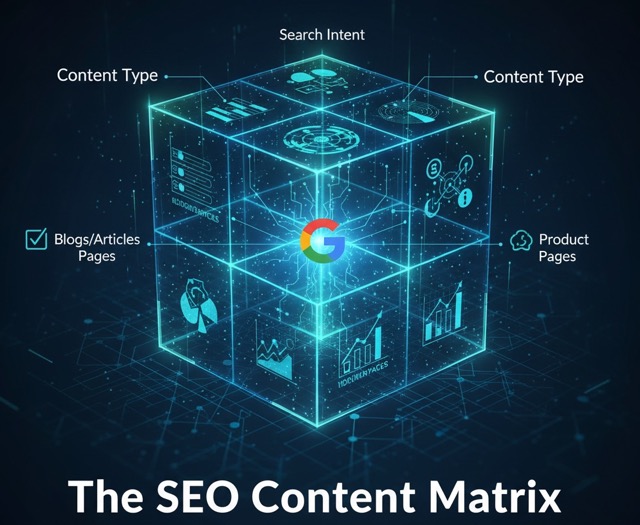
Featured image for The SEO Content Matrix for Google: A Practical Content Plan for Shopify Stores
SEO Shopify Ecommerce SEO Content Strategy Google Search Content Marketing UX Keyword Research Topify

The SEO Content Matrix for Google: A Practical Content Plan for Shopify Stores

Most Shopify brands publish content without a clear map: a random product guide here, a blog post there, and no plan for how it all works together in Google. The SEO Content Matrix for Google turns your ideas into a simple grid—by intent and by time—so you know exactly which pages to create to drive impressions, convert traffic, build authority, and keep customers coming back.