

When to Use (and Not Use) the Tool
- Use it for: Moving between hosts — for example,
example.com→example.org, orwww.example.com→www.newexample.com. Subdomain ↔ domain moves are supported. - Do not use it for: Protocol or path changes such as
http → https,example.com/shop → example.com/store. For those, rely on proper redirects and canonicals (no Change of Address submission).
Important: You must verify ownership of both the old and new properties in Search Console before you start.
Pre-Migration Checklist (Do This First)
- Verify both properties in GSC (old & new). Prefer Domain properties for full coverage.
- Map every old URL to a corresponding new URL (1:1). Avoid changing paths unless required.
- Implement permanent redirects (301) from each old URL to its new counterpart.
# Apache (.htaccess) exampleRewriteEngine OnRewriteCond %{HTTP_HOST} ^example\.com$ [OR]RewriteCond %{HTTP_HOST} ^www\.example\.com$RewriteRule ^(.*)$ https://www.newexample.com/$1 [R=301,L]# Nginx exampleserver { server_name example.com www.example.com; return 301 https://www.newexample.com$request_uri;} - Update internal links & canonicals to point to the new domain (sitewide templates, navigation, footers, sitemaps).
- Refresh structured data (Organization/Website/Product URLs), hreflang references, Open Graph and Twitter tags to the new host.
- Prepare an XML sitemap for the new site (only new-domain URLs). Keep the old sitemap available for a short period after launch to help discovery.
- Confirm robots.txt allows crawling of the new site and sitemaps list the new URLs.
How to Submit Change of Address in Google Search Console
- In GSC, select the old property (the domain you’re moving from).
- Open Settings → Change of address.
- Choose the new property (the domain you’re moving to). It must already be verified.
- GSC will run checks:
- 301 redirects in place from old to new
- Verification of both properties
- Canonicalization alignment
- Submit the Change of Address request.
After submission, Google uses the signal to consolidate ranking signals. Keep redirects and both properties verified during the transition period.
Post-Migration Monitoring
- Performance (new property): Watch clicks, impressions, CTR, and average position. Expect temporary volatility.
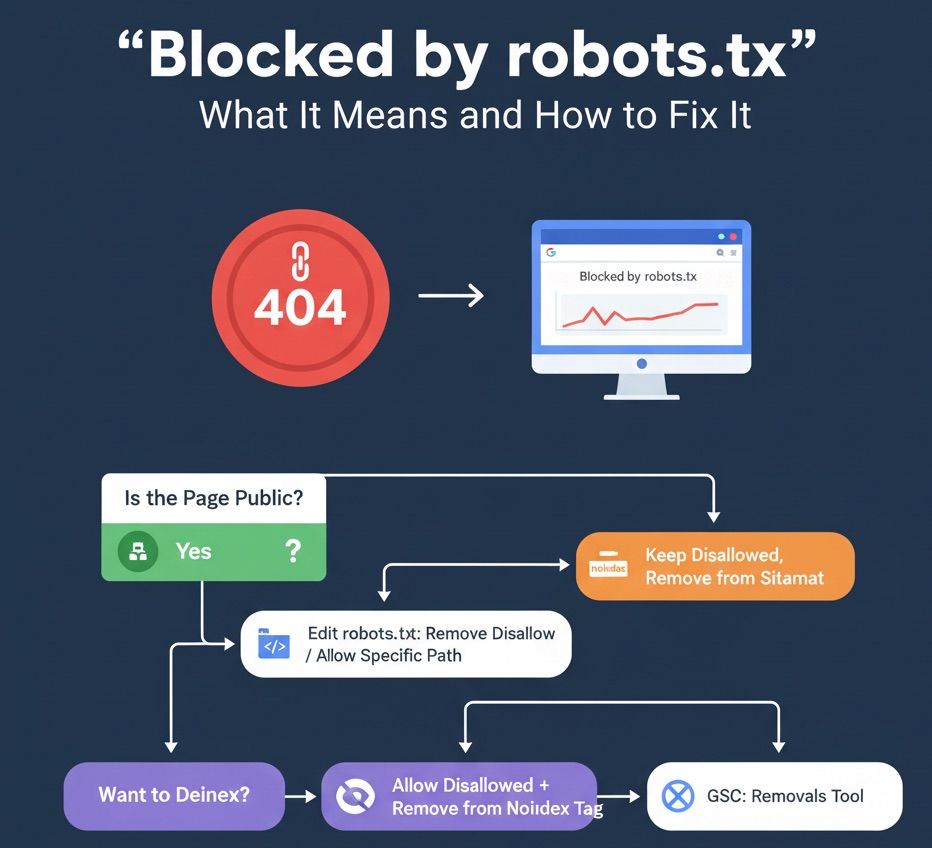
- Pages (Indexing): Check for crawl errors, “Blocked by robots.txt”, or “Alternate page with proper canonical”.
- Sitemaps: Submit the new sitemap; monitor discovered URLs.
- Server logs: Confirm Googlebot hits the new domain and 301s from the old are working as expected.
- External links: Where practical, ask partners to update backlinks to the new domain.
How Long Does It Take?
Google can take days to weeks to process a site move, depending on site size, crawl budget, and redirect coverage. Keeping clean 301s and consistent canonicals speeds things up.
If Something Goes Wrong
- Audit redirects: Ensure 301s are universal (HTTP/HTTPS, www/non-www, trailing slashes) and not pointing to 404s.
- Remove mixed signals: Avoid old-domain canonicals on the new site; avoid meta
noindexon migrated pages. - Fix blocking: Robots.txt should not disallow critical paths on the new domain.
- Resubmit sitemaps and use URL Inspection to test live URLs on the new domain.
FAQs
Do I need to keep redirects forever?
Keep 301s for as long as possible (at least 12 months). Removing them too early risks losing equity from late-updating links.
Does Change of Address handle path changes?
No. It’s for host moves only. Path restructures require careful 301 mapping and canonical updates—no Change of Address submission.
What about protocol moves (HTTP → HTTPS)?
Use 301 redirects and update canonicals/sitemaps; Change of Address isn’t needed for protocol changes.
Quick Migration Checklist
- Verify old & new properties in GSC.
- Implement full 301 mapping from old to new URLs.
- Update canonicals, internal links, sitemaps, structured data, hreflang.
- Submit Change of Address from the old property.
- Monitor indexing, performance, and logs for several weeks.
Bottom line: With solid redirects and a clean Change of Address submission, most ranking signals transfer reliably to your new domain.