

SEO Google Search Console Beginners How-to

Google Search Console Benefits: Why Every Site Should Use It

Udjin, CEO

Udjin

CEO

4 min read

What is Google Search Console?

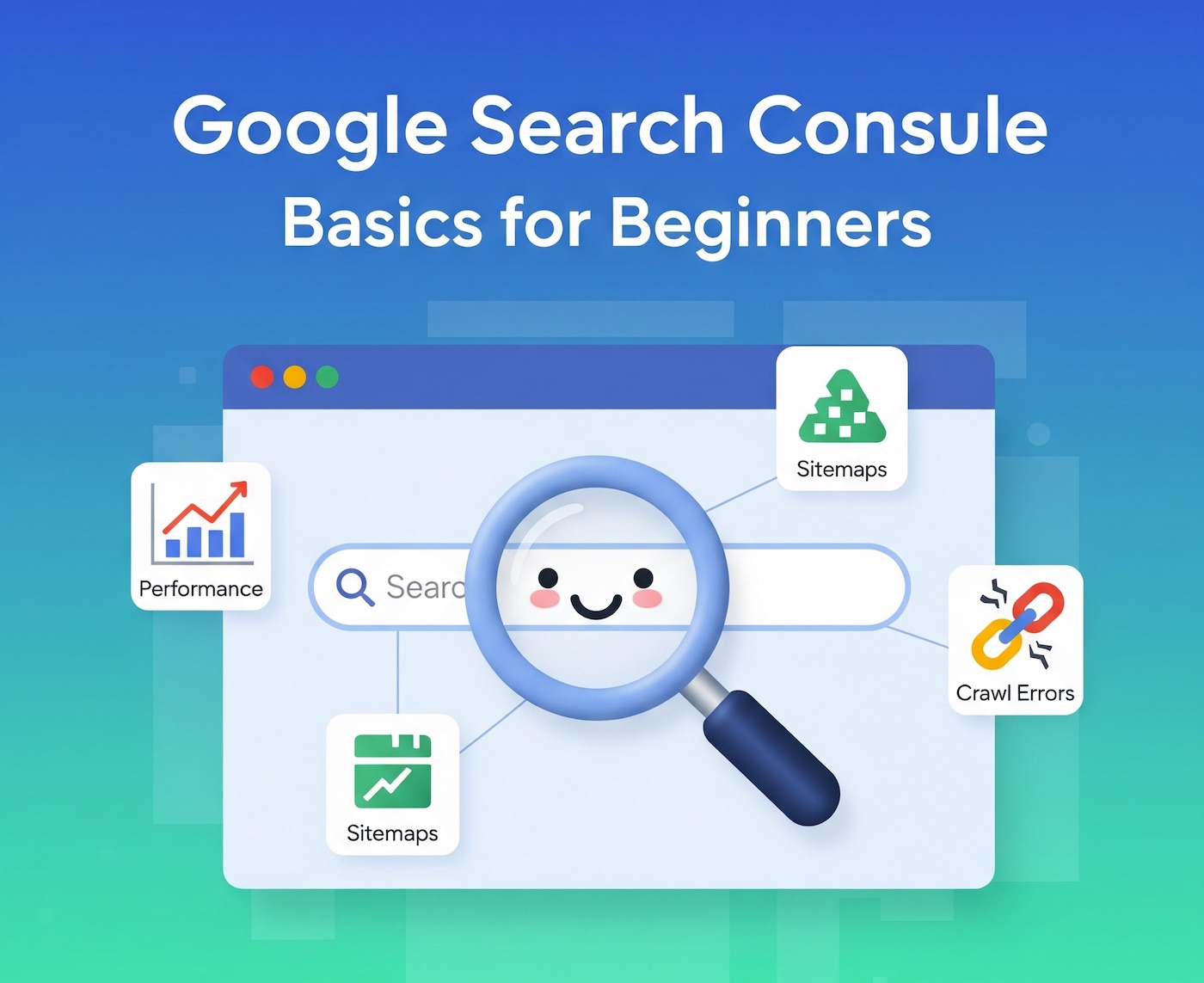
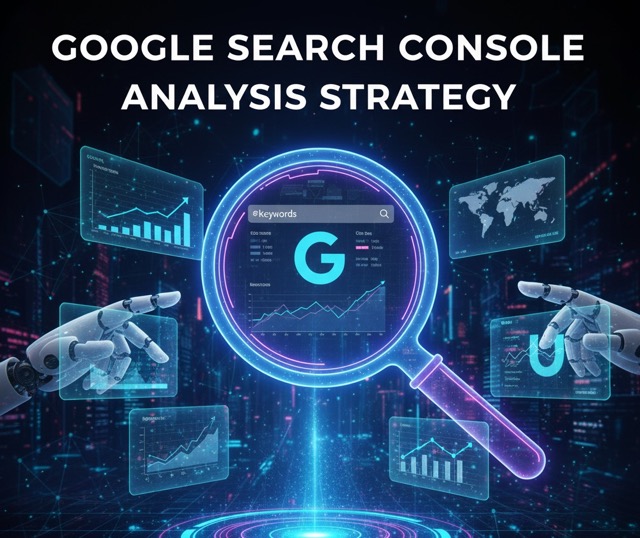
GSC is a free service that helps you monitor website performance in Google Search, understand which queries bring visitors, confirm that your pages are indexed, and fix technical issues that may limit visibility.

Top Benefits of Google Search Console

  1. Performance Insights (Clicks, Impressions, CTR, Position)

    See which queries and pages drive visibility and clicks. Filter by date, country, and device to spot trends and seasonality.

    • Do this: Open Performance → analyze “Queries” and “Pages” tables; compare last 28 days vs previous period.
  2. Keyword Discovery & Intent Signals

    Find the search terms people actually use to reach your pages. Spot informational vs commercial intent and fill content gaps.

    • Do this: Sort by impressions to find “underperformers” with low CTR—these are titles/descriptions to improve.
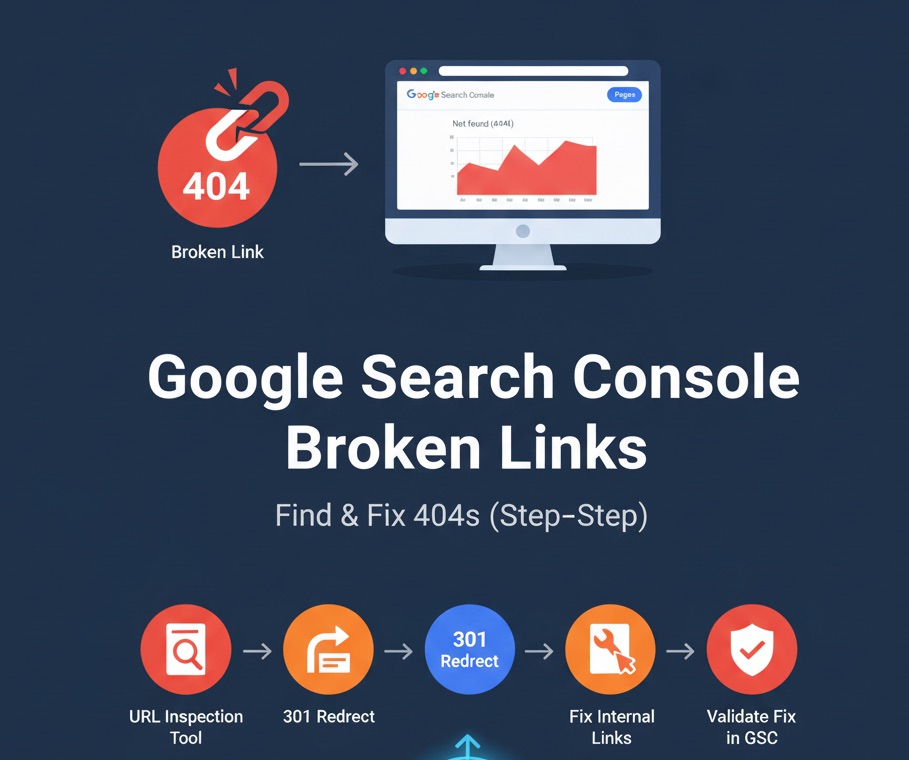
  3. URL Inspection: Page-Level Diagnostics

    Check whether a URL is indexed, see the last crawl, canonical selection, and reasons for any issues.

    • Do this: Use URL inspection on key pages after big changes to confirm Google can crawl and index them.
  4. Index Coverage Monitoring

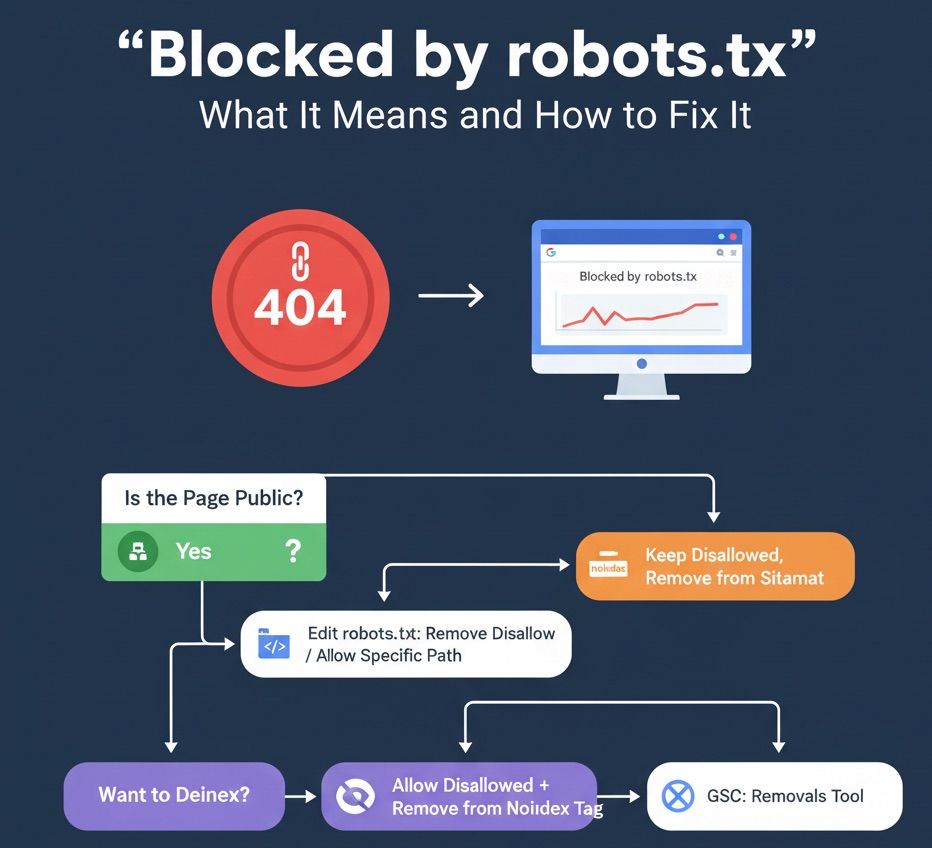
    Understand which pages are indexed and why others are excluded (e.g., noindex, blocked by robots.txt, duplicate, alternate canonical).

    • Do this: Open Pages (Indexing) → fix error/warning groups; revalidate after changes.
  5. Sitemap Submission & Status

    Submit XML sitemaps and confirm Google processed them. This helps new or updated URLs get discovered faster.

    • Do this: Submit /sitemap.xml (and product/blog sitemaps) and check “Discovered URLs.”
  6. Core Web Vitals & Page Experience

    See field data (real-user metrics) for loading, interactivity, and visual stability. Poor scores can reduce visibility and CTR.

    • Do this: Prioritize templates with “Poor” or “Needs improvement” statuses; retest after fixes.
  7. Enhancement & Rich Result Reports

    Validate structured data (e.g., products, breadcrumbs, FAQs) and track eligibility for rich results that can improve CTR.

    • Do this: Check Enhancements → fix structured data errors and warnings at scale.
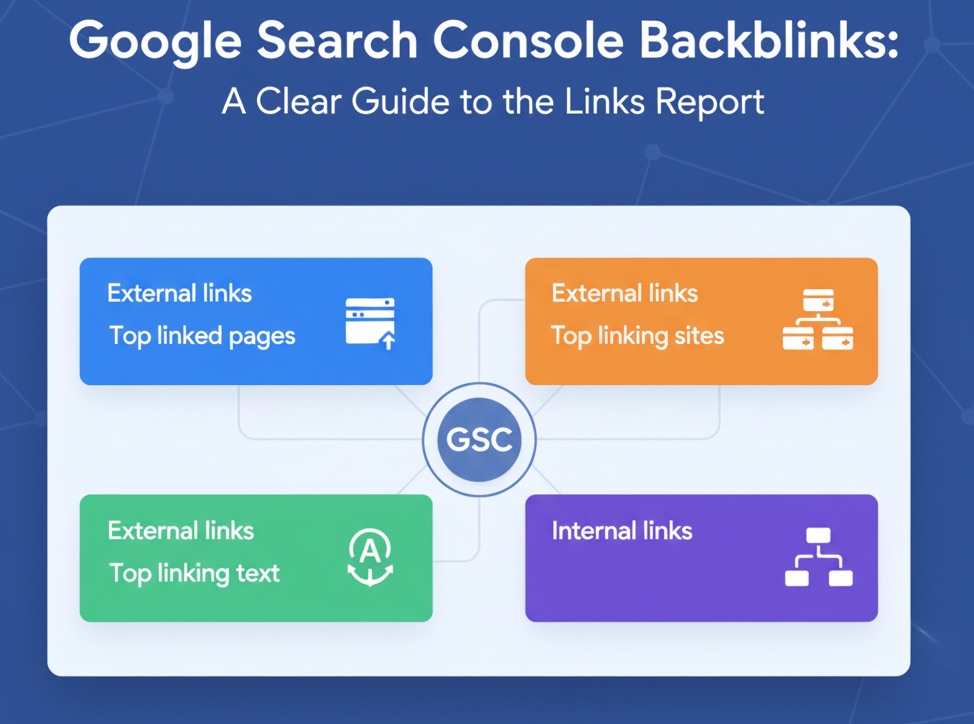
  8. Links Report (External & Internal)

    Identify top linked pages, linking sites, and anchor text, plus internal link distribution. Great for quick validation and internal linking.

    • Do this: Strengthen internal links to priority pages with low internal link counts.
  9. Security Issues & Manual Actions Alerts

    Get notified about hacked content, malware, or policy violations so you can act quickly and protect rankings.

    • Do this: Check the Manual actions and Security issues sections monthly—even if all is clear.
  10. Removals Tool for Urgent Deindexing

    Temporarily hide sensitive or outdated pages from search results while you apply permanent fixes (e.g., 410, noindex).

    • Do this: Use Removals to quickly remove problematic URLs; follow up with technical changes.
  11. Change of Address & Migration Support

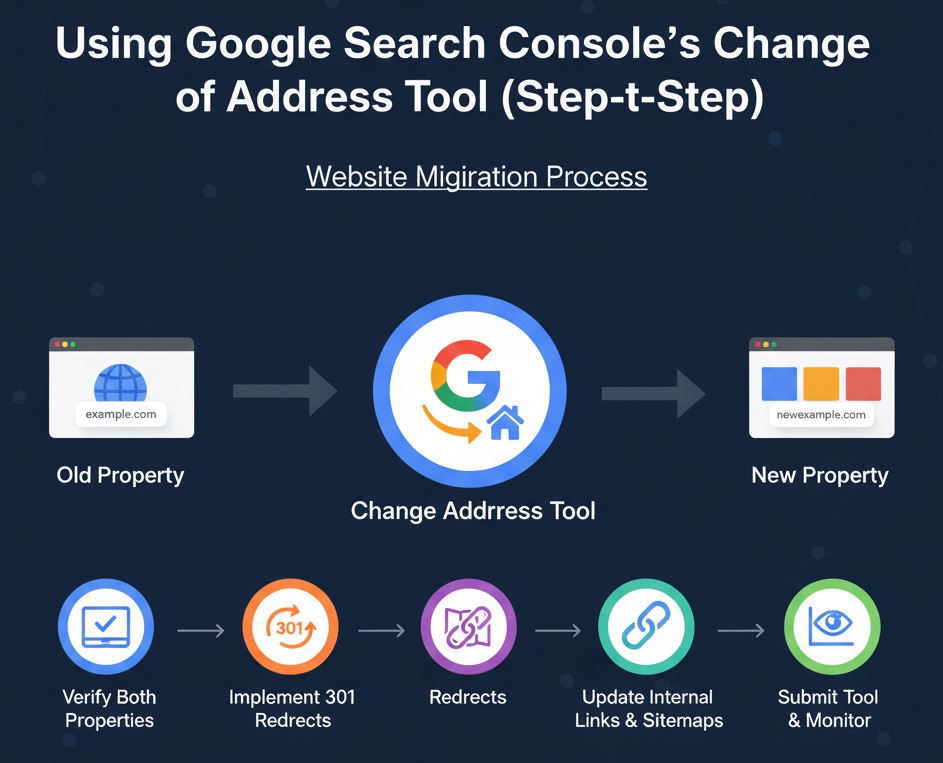
    When moving domains, the Change of Address tool helps communicate the migration to Google and reduce traffic loss.

    • Do this: Plan redirects, update sitemaps, and use the tool on the launch day.
  12. Discover, Images, and Video Performance (When Applicable)

    See visibility beyond traditional web search, including Google Discover and media-specific surfaces that can drive new traffic.

    • Do this: Review these reports for content that performs well visually; optimize thumbnails and metadata.

Turn GSC Data Into Action

GSC is packed with value—but the interface can be limiting for deep analysis. Tools like Topify bring complete GSC data (up to 50,000 rows/day) into one dashboard with filters, “Growing/Decaying” views, and exports, so you can move from insight to fix faster.

Bottom Line

The benefits of Google Search Console are clear: real search data, indexing controls, technical diagnostics, and visibility into how users find you. Check it weekly, act on what you see, and compound small improvements into meaningful SEO growth.

Share Article

Related Articles

Featured image for AI Tools for SEO: The Best Paid & Free Options for Shopify Stores in 2024
SEO Shopify Ecommerce SEO AI Tools Content Marketing Keyword Research On-Page SEO Conversion Rate Optimization Topify

AI Tools for SEO: The Best Paid & Free Options for Shopify Stores in 2024

Most Shopify brands know they "should use AI" for SEO—but end up with random tools and messy content. This guide breaks AI tools into seven jobs (research, keywords, images, copywriting, content, design, and on-page SEO) and shows how to use both paid and free options to grow organic traffic and sales for your store.

Featured image for 11 Best SEO Keyword Research Tools in 2025 (For Shopify & Ecommerce Stores)
SEO Shopify Ecommerce SEO Keyword Research Content Marketing PPC Topify

11 Best SEO Keyword Research Tools in 2025 (For Shopify & Ecommerce Stores)

Choosing the right keyword tools can make or break your Shopify SEO in 2025. This guide breaks down 11 of the best options—from heavyweights like Ahrefs and Semrush to lightweight browser extensions like Keywords Everywhere and Keyword Surfer—and explains exactly how to use them to grow organic traffic and sales, not just rankings.

Featured image for How to Become an SEO Expert in 2025 (Roadmap for Shopify & Ecommerce)
SEO Shopify Ecommerce SEO AI SEO Technical SEO Content Marketing SEO Career Topify

How to Become an SEO Expert in 2025 (Roadmap for Shopify & Ecommerce)

Most Shopify marketers don't need another random SEO tip—they need a clear roadmap. This guide breaks down how to become an SEO expert in 2025 step by step: learn the basics, master technical and AI-driven SEO, build a repeatable process, specialize in ecommerce, automate tasks, and use free tools with data from Topify to keep improving.

Featured image for The SEO Content Matrix for Google: A Practical Content Plan for Shopify Stores
SEO Shopify Ecommerce SEO Content Strategy Google Search Content Marketing UX Keyword Research Topify

The SEO Content Matrix for Google: A Practical Content Plan for Shopify Stores

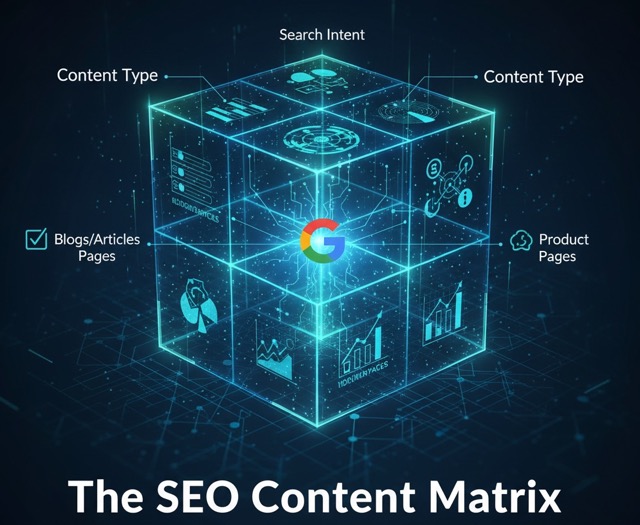
Most Shopify brands publish content without a clear map: a random product guide here, a blog post there, and no plan for how it all works together in Google. The SEO Content Matrix for Google turns your ideas into a simple grid—by intent and by time—so you know exactly which pages to create to drive impressions, convert traffic, build authority, and keep customers coming back.

Featured image for Fashion E-commerce SEO Guide for Shopify Brands
Fashion SEO Ecommerce SEO Shopify SEO Fashion Marketing Apparel SEO Category SEO Topify

Fashion E-commerce SEO Guide for Shopify Brands

Fashion and apparel SEO has unique challenges: fast-changing inventory, seasonal trends, rich imagery, and high competition. In this guide, Udjin (CEO of Topify) breaks down a complete Fashion E-commerce SEO strategy specifically for Shopify stores — from collection architecture and seasonal content to lookbooks, influencer backlinks, and optimizing filters.

Featured image for Shopify Image SEO: How to Optimize Product Photos for Google
Shopify SEO Shopify Image SEO shopify seo image Ecommerce SEO Technical SEO Page Speed Topify

Shopify Image SEO: How to Optimize Product Photos for Google

Most Shopify guides treat images as decoration. In reality, image SEO can drive thousands of extra visits from Google Images and improve your overall rankings. In this article, Udjin (CEO of Topify) explains step by step how to optimize every product and collection image for search—covering file names, alt text, size, compression, lazy loading, and structured data for the query "shopify seo image".

Featured image for Shopify Technical SEO Checklist
Shopify Technical SEO Technical SEO Ecommerce SEO Shopify SEO Core Web Vitals Crawl Optimization Indexation Topify

Shopify Technical SEO Checklist

Technical SEO is one of the biggest ranking factors for Shopify stores—yet also the most misunderstood. In this advanced guide, Udjin (CEO of Topify) presents a complete Shopify Technical SEO checklist, including site speed, URL structure, indexation, duplicate content, structured data, Core Web Vitals, internal linking, and theme-level optimizations.