

Most SEO wins don’t need a full redesign. Use this checklist to knock out the most common issues in minutes using only your Shopify admin and theme settings.
How to use this list
- Find the issue you recognize.
- Open the path in Shopify noted under “Quick fix”.
- Save & re-publish, then verify in Google Search Console.
Technical & On-Page (SEO)
-
Duplicate title tags
What’s wrong: Google can’t tell which page to rank.
Quick fix: Make each title unique. In Products/Collections/Pages → Search engine listing, add a specific keyword + brand.
-
Missing meta descriptions
What’s wrong: Lower CTR from SERPs.
Quick fix: Write a 150–160 char benefit-first summary in the same Search engine listing area.
-
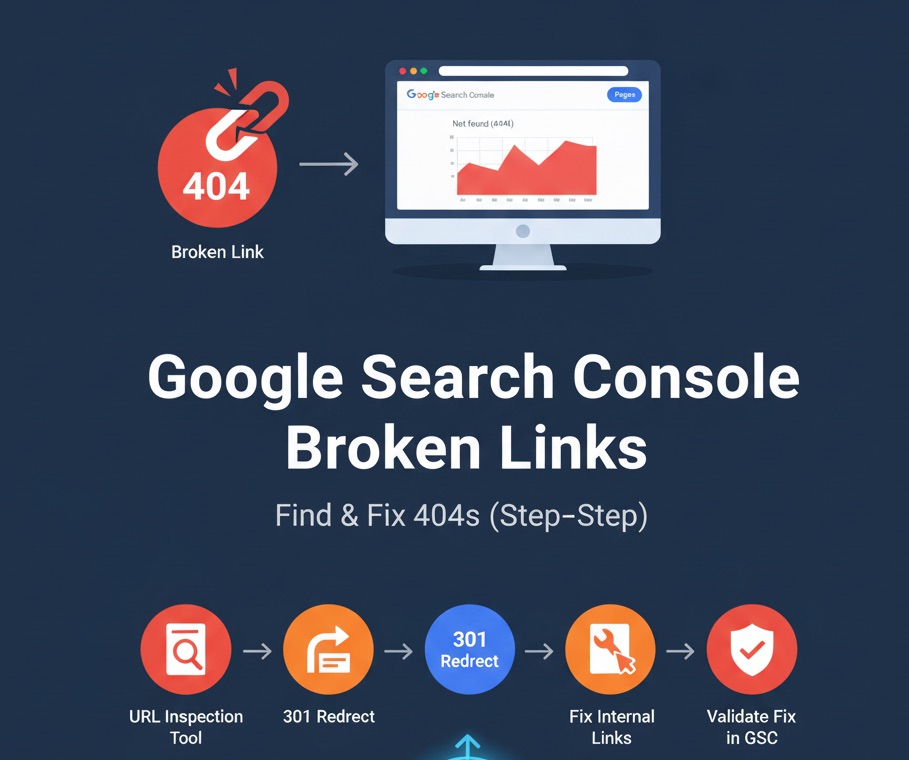
Broken internal links
What’s wrong: Crawl flow dies; users hit 404s.
Quick fix: Fix menus in Online store → Navigation. Add URL redirects for moved handles in Online store → Navigation → View URL redirects.
-
H1 missing or duplicated
What’s wrong: Weak topical clarity.
Quick fix: Ensure exactly one H1 per template. In Online store → Themes → Edit code check
main-product.liquid/main-collection.liquidfor a single<h1>. -
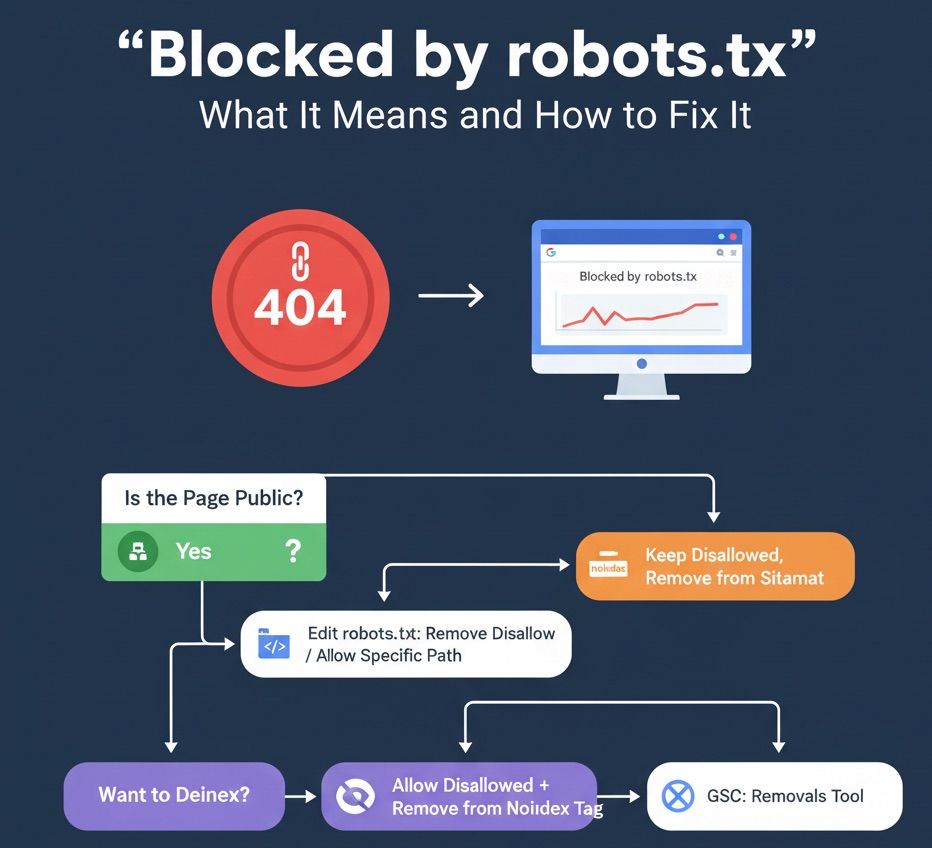
No sitemap submitted
What’s wrong: Google may miss pages.
Quick fix: Shopify auto-creates
/sitemap.xml. Submit it in GSC > Indexing → Sitemaps. -
Poor mobile experience
What’s wrong: Mobile-first ranking + high bounce.
Quick fix: Use a responsive theme, reduce hero height, remove heavy sections on mobile in Customize.
-
No HTTPS
What’s wrong: Trust lost; browser warnings.
Quick fix: Enable SSL in Settings → Domains (Shopify provisions automatically).
-
Slow loading pages
What’s wrong: Users bounce; lower rankings.
Quick fix: Compress images (< 250 KB), switch to
.webp, remove unused apps/sections, and enable lazy-load (most Shopify themes already addloading="lazy"to images). -
Thin content on key pages
What’s wrong: Low value = low rankings.
Quick fix: Add 100–300 words of helpful copy above the fold: materials, sizing, care, shipping, FAQs.
-
Duplicate content (variants/filters)
What’s wrong: Cannibalization.
Quick fix (theme): Ensure canonical tag exists in
theme.liquid:<link rel="canonical" href="{{ canonical_url }}"> -
Messy URL structure
What’s wrong: Hard to read; weak relevance.
Quick fix: Use short, hyphenated handles (e.g.,
summer-linen-shirt). Update in the page/product handle field and create a redirect. -
Image alt text missing
What’s wrong: Lost accessibility + image SEO.
Quick fix: In Products → Media, click an image → add descriptive Alt text with product terms.
-
Page speed scripts bloat
What’s wrong: Too many third-party apps.
Quick fix: Uninstall unused apps; in theme.liquid move non-critical JS to the footer or mark
defer. -
No breadcrumbs
What’s wrong: Weaker internal linking + UX.
Quick fix: Enable a breadcrumb section or add a simple trail in templates; include BreadcrumbList JSON-LD.
-
Publish date hidden
What’s wrong: No freshness signal.
Quick fix: Show publish/updated dates on blog articles. Update top posts quarterly.
-
Author bio missing
What’s wrong: Weak E-E-A-T.
Quick fix: Add an author block with credentials and a link to an author page.
-
No structured data
What’s wrong: Search engines can’t extract info.
Quick fix: Ensure theme outputs JSON-LD for Organization, Product, BreadcrumbList, Article.
-
No XML for FAQs/How-Tos
What’s wrong: Missed rich results.
Quick fix: Add FAQ blocks and schema. Example snippet:
<script type="application/ld+json">{ "@context":"https://schema.org", "@type":"FAQPage", "mainEntity":[ {"@type":"Question","name":"What is your return policy?","acceptedAnswer":{"@type":"Answer","text":"30 days..."}}, {"@type":"Question","name":"Do you ship internationally?","acceptedAnswer":{"@type":"Answer","text":"Yes..."}} ]}</script> -
No About/Contact depth
What’s wrong: Lower trust and conversions.
Quick fix: Add brand story, team, address, phone, social, store photos, awards.
-
No press/mentions page
What’s wrong: Fewer citations.
Quick fix: Create a “Press” page and link out to coverage; add logos and quotes.
Answer Engine Optimization (AEO)
- No FAQ schema on product/collection pages. Add FAQ block + JSON-LD (snippet above).
- No How-To content. Publish short “How to choose size/material/care” guides with steps.
- Pages don’t answer questions directly. Put a 1–2 sentence answer in the first 100 words.
- Unclear headings. Use plain-language H2s like “What is…?”, “How to…”.
- No lists for answers. Convert paragraphs into bulleted/numbered lists for snippets.
Generative Engine Optimization (GEO)
- Brand not cited externally. Publish guest posts/partnership content; add a press kit.
- No contextual internal links. Link product <→> collection <→> guides with descriptive anchors.
- No organization/product schema. Ensure JSON-LD covers org, product, reviews, price, availability.
- Weak About/Contact pages. Expand with mission, credentials, and real photos.
- No indexed mentions. Create a “Newsroom” and submit new pieces to GSC for faster discovery.
Experience & UX (GXO)
- Cluttered design. Remove low-value sections, keep generous spacing, simplify nav.
- No table of contents (blog). Add an in-page TOC with jump links.
- High bounce rate. Improve above-the-fold hook: headline, social proof, primary CTA.
- No CTAs/next steps. Add “Add to Cart”, “Shop the Collection”, “Size Guide”, “Contact Us”.
- Non-inclusive language. Edit copy to be inclusive and respectful.
Language & Information (LIO)
- No content clusters. Group by Pillar → Subtopics → FAQs; interlink.
- Inconsistent tone/POV. Define a voice guide; apply across product and blog.
- No freshness signals. Add “updated” dates and refresh quarterly.
- Content too short. Target 800–1200 words for important guides with real insight.
- No external references. Cite credible sources (standards, studies, size charts).
- Zero people-first content. Publish case studies, testimonials, UGC roundups.
- Images without alt text. Describe images clearly (do this in Products → Media).
- No real use-cases. Add scenarios, styling tips, before/after shots.
- No republishing strategy. Update, re-title, and re-share top performers.
- No entity-focused headings. Use “Brand + Topic” H2s to reinforce entities.
Verify fixes in Google Search Console
- Check Performance for improved CTR on pages with new titles/metas.
- Use Pages (Indexing) to confirm 404s/redirects resolved.
- Validate Enhancements for FAQ/Product/Article schema.
- Monitor Core Web Vitals after speed tweaks.